
Imagine this: one day, you try to log in to your Facebook account only to find it has been disabled. Panic sets in as you realize your connection to friends, family, and perhaps even customers is severed. But fear not, for reviving a disabled Facebook account can be a stress-free process if you follow the right steps. Whether your account was disabled by mistake or due to a misunderstanding of Facebook's terms, there's often a path to recovery.

Understanding Why Your Facebook Account Was Disabled

First things first, let's pinpoint the reason behind the disabling of your account. Facebook has a strict set of community standards and guidelines that users must adhere to. Violations such as posting inappropriate content, impersonating someone else, or engaging in suspicious activities can lead to your account being disabled. Sometimes, it could also be an error on Facebook's part.

Understanding Facebook Account Disablement

Why was my Facebook account disabled?
Your Facebook account may be disabled for several reasons, including violating Facebook's Community Standards, such as posting inappropriate content, engaging in hate speech, or sharing misleading information. Additionally, repeatedly posting the same content or sending friend requests to people you don't know could trigger a disablement. Accounts that are suspected of phishing, scamming, or impersonating another person can also be disabled.
❓
Can I recover my Facebook account if it's been disabled for a policy violation?
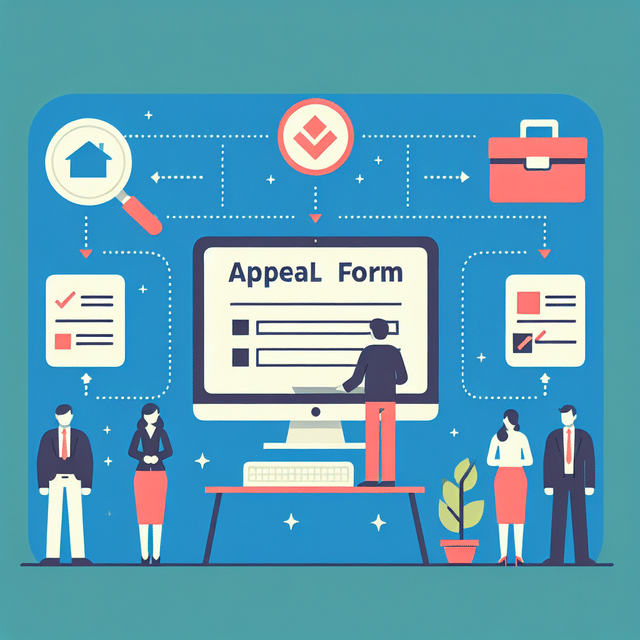
Yes, you can attempt to recover your Facebook account even if it's been disabled for a policy violation. The first step is to submit an appeal using the form provided by Facebook. You'll need to provide your login information and a valid form of identification. Facebook will then review your case, which may take several days. Be sure to check your email for any communication from Facebook regarding your appeal.
πŸ”„
How long does Facebook take to review an account disablement?
The review process for a disabled Facebook account can vary. Typically, it may take several days to a few weeks for Facebook to review an appeal. However, the time frame can be longer if there's a high volume of appeals. It's important to be patient and monitor your email for any updates from Facebook during this time.
⏳
What should I include in my appeal to recover my disabled Facebook account?
When submitting an appeal to recover your disabled Facebook account, you should include clear and concise information about why you believe the disablement was a mistake. Attach a copy of your ID to verify your identity. Make sure to provide any relevant details that could help Facebook understand your situation better. Be honest in your communication, as providing false information can further complicate the process.
πŸ“
Is there a way to prevent my Facebook account from being disabled?
To prevent your Facebook account from being disabled, familiarize yourself with and adhere to Facebook's Community Standards. Avoid posting content that could be considered inappropriate or offensive. Do not engage in harassment, hate speech, or spamming activities. Also, ensure your account security is strong to prevent unauthorized access that could lead to violations under your name.
πŸ›‘οΈ

Knowing the exact cause is crucial as it determines the course of action for reactivation. If you believe it was a mistake, gathering evidence and preparing to state your case will be necessary.

Step-by-Step Guide to Submitting an Appeal

If you're confident that your account was disabled by error or you have rectified the issue that led to its suspension, submitting an appeal is your next move. This process involves contacting Facebook directly and requesting a review of your account status.

Step-by-Step Guide to Submitting an Appeal for Your Disabled Facebook Account
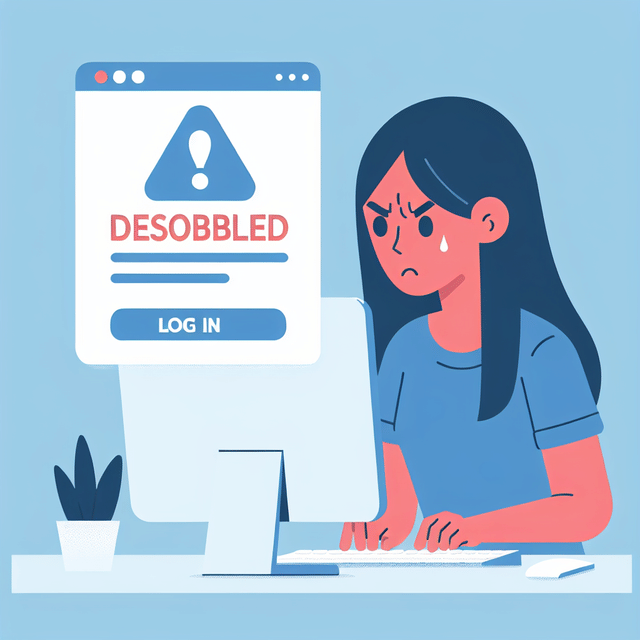
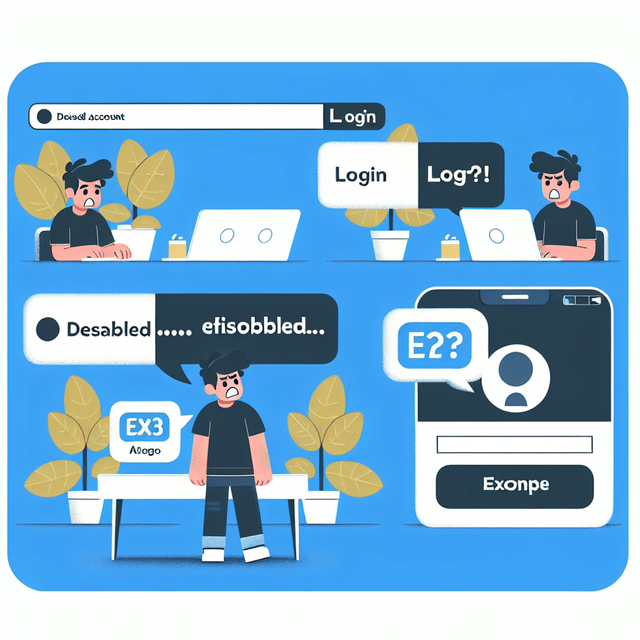
person trying to log into Facebook and seeing a disabled account message
Verify Your Account Status
Before submitting an appeal, confirm that your Facebook account has indeed been disabled. Attempt to log in to your account. If you see a message stating that your account has been disabled, you can proceed with the appeal process.
documents and identification ready for Facebook account appeal
Gather Necessary Information
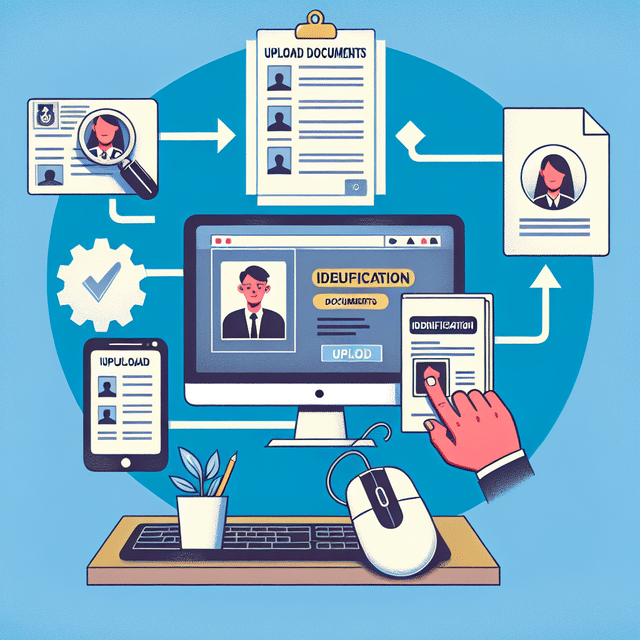
Prepare any information that may support your appeal, such as proof of identity (a copy of your ID), or any explanations that could clarify potential misunderstandings that led to the disablement of your account.
screenshot of Facebook Help Center's disabled account page
Access the Appeal Form
Navigate to the Facebook Help Center and locate the 'My Personal Facebook Account is Disabled' page. Here, you will find the appeal form that you need to fill out. Make sure you're using a browser where you're not logged into any Facebook account.
close-up of hands typing on a form online
Fill Out the Appeal Form
Complete the appeal form with accurate information. Include your login email address or phone number, your full name, and attach any identification documents if prompted. Be concise and clear in any explanation fields, stating why you believe your account should be reinstated.
person clicking the submit button on an online appeal form
Submit the Appeal and Wait for a Response
After thoroughly reviewing your appeal to ensure all information is correct and all necessary documents are attached, submit the form. Facebook typically responds to appeals within a few days to a week. Be patient and check your email regularly for their response.
person sending a follow-up email regarding their Facebook account appeal
Follow Up If Necessary
If you haven't heard back from Facebook within a reasonable time frame, you may submit a follow-up inquiry. Remember to keep all communications polite and professional, as this will help your case.

Note: It's important to act promptly since there might be time constraints on how long after disabling you can file an appeal.

Gathering Necessary Documentation

In some cases, proving your identity may be required. This could involve providing a copy of your ID or other personal documents that confirm you are the rightful owner of the account in question. Ensure that any documentation you submit is clear and legible to avoid further delays in the review process.

Required Documents

  1. government issued identification card
    Government-Issued ID - A copy of a government-issued identification card that matches the name on your Facebook profile.
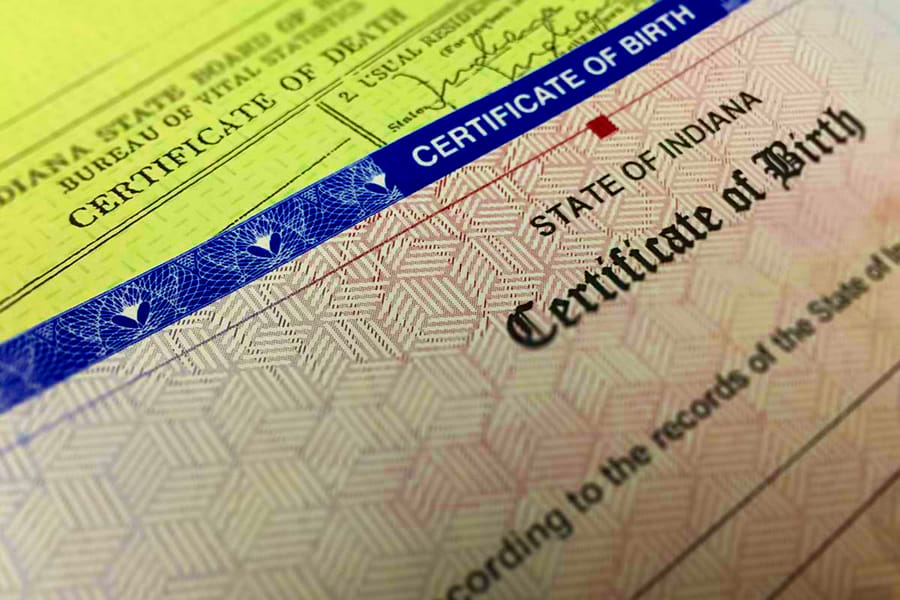
  2. birth certificate
    Birth Certificate - If your ID does not have a photo, include a copy of your birth certificate.
  3. legal name change document
    Proof of Legal Name Change - If your current name differs from your ID due to marriage or other reasons, provide documentation of the name change.
  4. business license
    Business Documentation - If your account represents a business, include official business documentation like a business license or articles of incorporation.
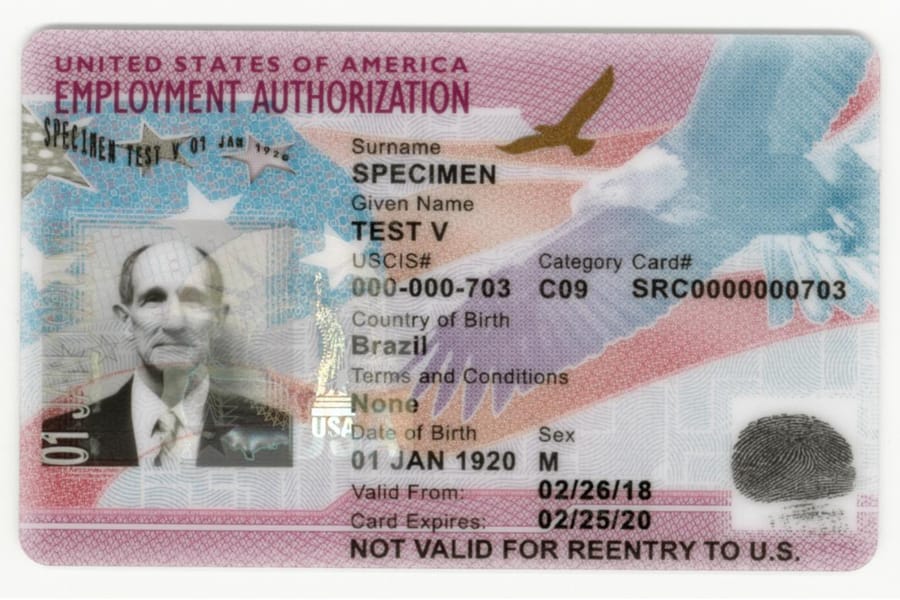
  5. immigration documents
    Immigration Documentation - For non-citizens, provide immigration documents that verify your identity.
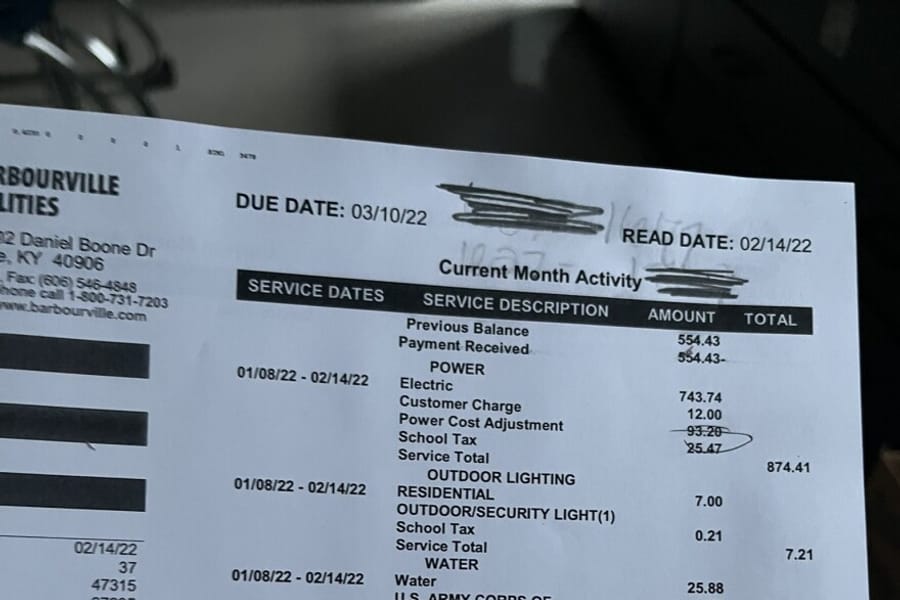
  6. recent utility bill
    Recent Utility Bill - A utility bill can serve as proof of residence if your ID does not have your current address.
  7. notarized statement identity
    Notarized Statement - In some cases, a notarized statement affirming your identity and connection to the account may be necessary.

Pro Tip: Keep copies of all communications with Facebook regarding your appeal for future reference.

Troubleshooting Common Issues During The Appeal Process

Sometimes when trying to recover a disabled account, users face hurdles such as not receiving responses from Facebook or not being able to access the appeal form due to technical issues. There are solutions for these common problems which can help keep your reactivation journey on track.

Troubleshooting Your Facebook Appeal

  • Verify that you have the correct login details for your Facebook account.πŸ”‘
  • Check your email inbox and spam folder for any communication from Facebook regarding your disabled account.πŸ“§
  • Ensure your account was disabled by Facebook and not hacked or compromised by someone else.πŸ•΅οΈ
  • Identify the possible reason(s) why your account was disabled by reviewing Facebook's Community Standards.πŸ“œ
  • Gather any necessary information or documents that support your appeal to have your account reactivated.πŸ“‚
  • Access the Facebook appeal form using a device and network you've previously used to log into your account.πŸ’»
  • Fill out the appeal form accurately, providing a clear and concise explanation for why your account should be reinstated.✍️
  • Be patient after submitting your appeal, as it can take several days for Facebook to review your case.⏳
  • If you receive a response from Facebook, follow any instructions provided carefully and promptly.πŸ‘‚
  • In case of no response or a negative outcome, consider submitting a second appeal if new evidence or information is available.πŸ”„
Congrats, you've methodically navigated the Facebook appeal process. Stay vigilant and maintain adherence to the platform's guidelines to prevent future issues.

Trouble with password recovery options? Or perhaps the email connected with your Facebook isn't available? These issues can complicate matters but aren't insurmountable with proper guidance.

In summary, while having your Facebook account disabled can feel like hitting a digital wall, there is usually a way around it. By understanding why accounts get disabled in the first place and following through with the correct appeals procedure, users stand a good chance at restoration. Remembering key details like timely action and proper documentation will streamline this process considerably.

In our next section, we'll take an even deeper dive into how you can prevent future disabilities and explore alternative methods if standard appeals don't yield results. Stay tuned for more insightful strategies on safeguarding your digital presence on platforms like Facebook.

Submitting an Appeal to Facebook

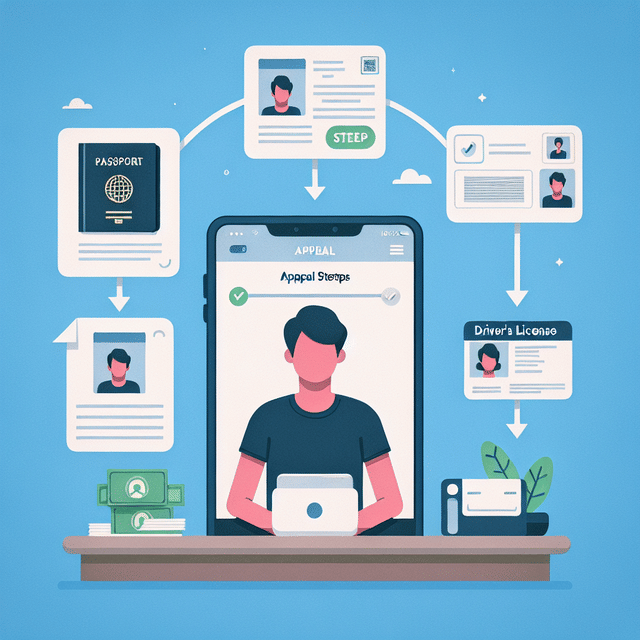
If your Facebook account has been disabled, it's crucial to understand that you can appeal the decision. The appeal process is straightforward but requires attention to detail. You'll need to fill out a form provided by Facebook where you'll explain why you believe the disablement was a mistake. Ensure you have a valid ID ready to submit, as Facebook will require proof of your identity. This could be a driver's license, passport, or other government-issued identification.

Step-by-Step Guide to Submitting an Appeal for Your Disabled Facebook Account
Facebook disabled account login message
Confirm Your Account's Status
Before submitting an appeal, verify that your Facebook account has indeed been disabled. Attempt to log in to your account. If you see a message stating that your account has been disabled, then you can proceed with the appeal process.
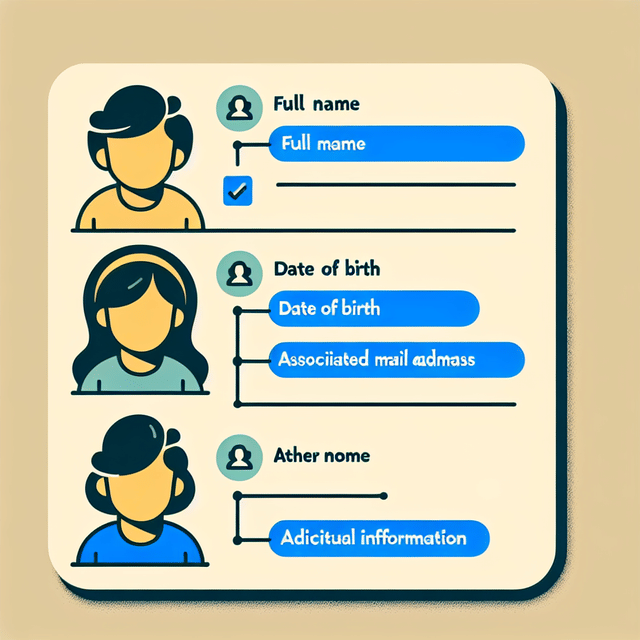
List of required information for Facebook account appeal
Gather Required Information
Prepare the necessary information for your appeal. This includes your full name, the email or phone number associated with your disabled Facebook account, and any additional details that Facebook might require, such as a government-issued ID to verify your identity.
Facebook Help Center disabled account page
Access the Appeal Form
Navigate to the Facebook Help Center and locate the 'My Personal Facebook Account is Disabled' page. Here, you will find the appeal form that needs to be filled out. Make sure you're using a browser where you're not logged into any Facebook account.
Filling out Facebook appeal form
Complete the Appeal Form
Fill in the appeal form with the information you've gathered. Be concise yet thorough when explaining the reason for your appeal. If you believe the disabling of your account was a mistake, state this clearly and provide any evidence or context that supports your claim.
Uploading identification documents to Facebook
Attach Identification Documents
If prompted, attach a copy of your government-issued ID or any other identification that Facebook requests. Ensure that the image is clear and all the necessary details are visible. This step is crucial for verifying your identity and can expedite the appeal process.
Submitting appeal form on Facebook
Submit the Appeal
Review your appeal form to make sure all the information is accurate and complete. Once you're satisfied, submit the form. Take note of any confirmation messages or emails you receive from Facebook acknowledging the receipt of your appeal.
Waiting for email notification from Facebook
Wait for a Response
After submitting your appeal, be patient. The review process may take several days or even weeks. During this time, avoid submitting multiple appeals, as this can slow down the process. Keep an eye on your email inbox for any communication from Facebook regarding your appeal.
Checking Facebook Help Center for updates
Follow Up If Necessary
If you haven't heard back from Facebook after a reasonable amount of time, you can follow up by visiting the Help Center again or reaching out through other official Facebook channels. Remember to remain polite and patient, as the support team handles a high volume of requests.

Patience is essential during this phase as response times can vary. Keep an eye on the email associated with your Facebook account for any correspondence from Facebook's review team.

Understanding Facebook’s Disablement Policies

To prevent future issues with your account, it's imperative to understand why accounts are disabled in the first place. Violations of Facebook's Community Standards are the most common reason for disablement. These standards cover a wide range of behavior from prohibited content to intellectual property infringement. Familiarize yourself with these policies so that once your account is reinstated, you can avoid further complications.

Navigating Facebook Account Disablement: FAQs

What are the common reasons for a Facebook account being disabled?
Facebook accounts can be disabled for several reasons, often related to violations of the platform's Community Standards. These include posting content that doesn't comply with Facebook's rules, such as hate speech, nudity, or intellectual property violations. Additionally, repeatedly sending friend requests to people you don't know, sharing misleading or false information, or engaging in suspicious activities like spamming can also lead to your account being disabled. It's crucial to familiarize yourself with Facebook's policies to avoid these pitfalls.
🚫
How can I avoid having my Facebook account disabled?
To avoid having your Facebook account disabled, adhere strictly to Facebook's Community Standards. This means you should not post prohibited content, such as hate speech or sexually explicit material. Be mindful not to spam other users with messages or friend requests, and avoid using a fake name or impersonating others. It's also wise to secure your account with two-factor authentication to prevent unauthorized access, which could lead to suspicious activities under your name.
πŸ›‘οΈ
Is there a warning before Facebook disables an account?
Facebook may issue warnings for less severe violations, but it is not guaranteed. Some actions can lead to immediate account disablement without prior warning, especially if they pose a serious risk to the community or violate the terms egregiously. To stay on the safe side, always comply with Facebook's guidelines and review any warnings or messages from Facebook regarding your account's status.
⚠️
Can I recover a Facebook account that's been disabled for policy violations?
Yes, it's possible to recover a disabled Facebook account, but it depends on the nature of the violation. If your account was disabled by mistake, you can submit an appeal through Facebook's platform. Provide all required information and be honest in your communication. If the disablement was due to a misunderstanding or incorrect action, Facebook might reinstate your account upon review of your appeal.
πŸ”„
How long does Facebook take to review an appeal for a disabled account?
The review time for a Facebook appeal can vary widely. It might take anywhere from 48 hours to several weeks, depending on the complexity of the case and the backlog of appeals Facebook is dealing with. Patience is key, and it's important to avoid submitting multiple appeals as this could slow down the process. Ensure your appeal is clear and concise, providing all necessary information to facilitate a quicker review.
⏳

It’s also worth noting that repeated violations can lead to permanent disablement, so it’s not just about getting your account backβ€”it’s about keeping it.

Maintaining Account Security Post-Recovery

Once your account has been reactivated, securing it should be your top priority. Start by updating your password and enabling two-factor authentication (2FA). This adds an extra layer of security by requiring a second form of verification when logging in from an unrecognized device or location.

Secure Your Reactivated Facebook: A Proactive Defense Checklist

  • Change your password to a strong, unique oneπŸ”’
  • Enable two-factor authentication for added securityπŸ”‘
  • Review and update your security informationπŸ› οΈ
  • Check for any unrecognized devices or locations that have accessed your accountπŸ•΅οΈ
  • Remove any suspicious third-party apps with access to your account🚫
  • Educate yourself on recognizing phishing attempts and scamsπŸ“š
  • Limit the personal information you share on your profileπŸ”
  • Adjust your privacy settings to control who can see your posts and informationπŸ‘€
  • Regularly review your friends list and remove any unknown or suspicious contacts❌
  • Be cautious when clicking on links, even if they appear to be from friends⚠️
  • Create a habit of logging out from devices that are not yoursπŸšͺ
Congrats, you've fortified your Facebook account against potential threats!

Additionally, be cautious about third-party apps that have access to your Facebook information. Regularly review these connections and revoke permissions for apps that are no longer in use or seem suspicious.

If you've had trouble accessing the email connected with your Facebook account, consider updating it or adding additional contact methods like a mobile number or secondary email address. This ensures that you have multiple ways to recover access should you encounter any issues in the future.

Why can't I use the email connected to my Facebook account?
How can I recover my password using my recovery email?
Why does Facebook only offer password reset with a phone number I don't have access to?
Resolving Facebook Ad Account Restrictions
Resetting Your Apple ID Password Without Recovery Email/Phone Number/Old Password
Unlock Your iPad: Factory Reset Without a Password
Mastering Your New Tablet: A Guide for Seniors
Boost Your Instagram Game: A Step-by-Step Guide
Mastering the Ergonomic Mouse: A Guide for Limited Mobility Users
Demystifying Facebook: How To Get Followers And Navigate Privacy Settings

In safeguarding your digital presence on platforms like Facebook, it pays off immensely to stay informed and proactive about security measures and community standards. By following these guidelines and utilizing available resources effectively, not only can you successfully revive a disabled account without undue stress but also ensure its longevity and security moving forward.